Feature
Reports that prove the value of your work
Replace vague hour totals with a clear breakdown clients actually understand, what was worked on, when, and whether it was billable.
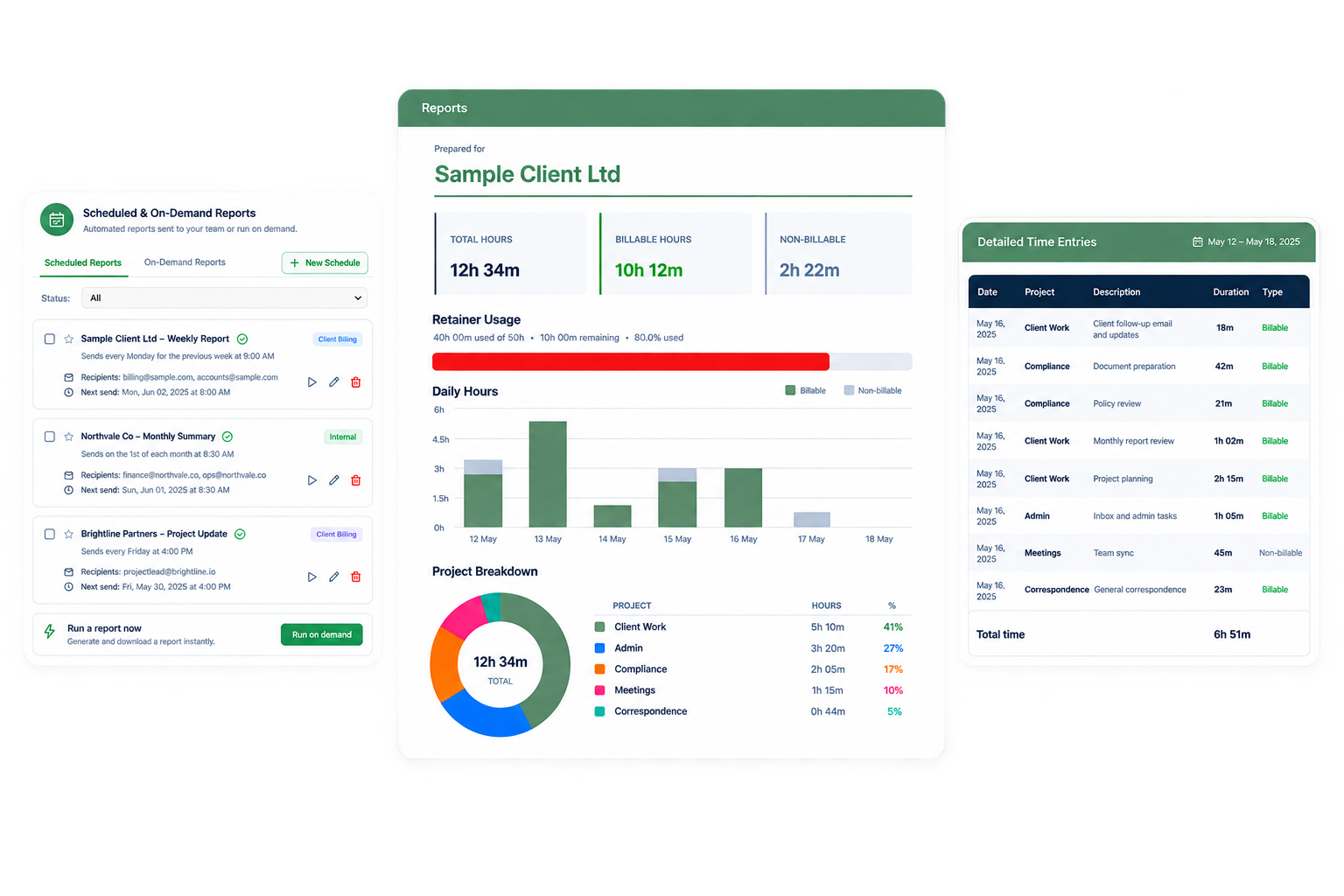
Reportsa generated client report, built straight from tracked time
How it works
Client Reports in four steps
01
Choose a client and date range
Pick the client and period you want to report on.
02
Review hours and billables
See total hours, billable hours, and a breakdown by project.
03
Export or schedule
Download as PDF or CSV, or schedule the report to send automatically.
04
Share with confidence
Clients see a clean, professional summary. No spreadsheets involved.
Why it matters
What you get with client reports
Reduce billing disputes
A clear report alongside every invoice gives clients confidence in what they're paying for.
Save hours of manual admin
No more building reports by hand in a spreadsheet at the end of every billing cycle.
Automate recurring reporting
Schedule reports to generate and send automatically on a daily, weekly, or monthly basis.
FAQ