Feature
Time tracking that fits how you actually work
Start a timer in one click, or add time manually after the fact. Every entry is tied to a client and project automatically.
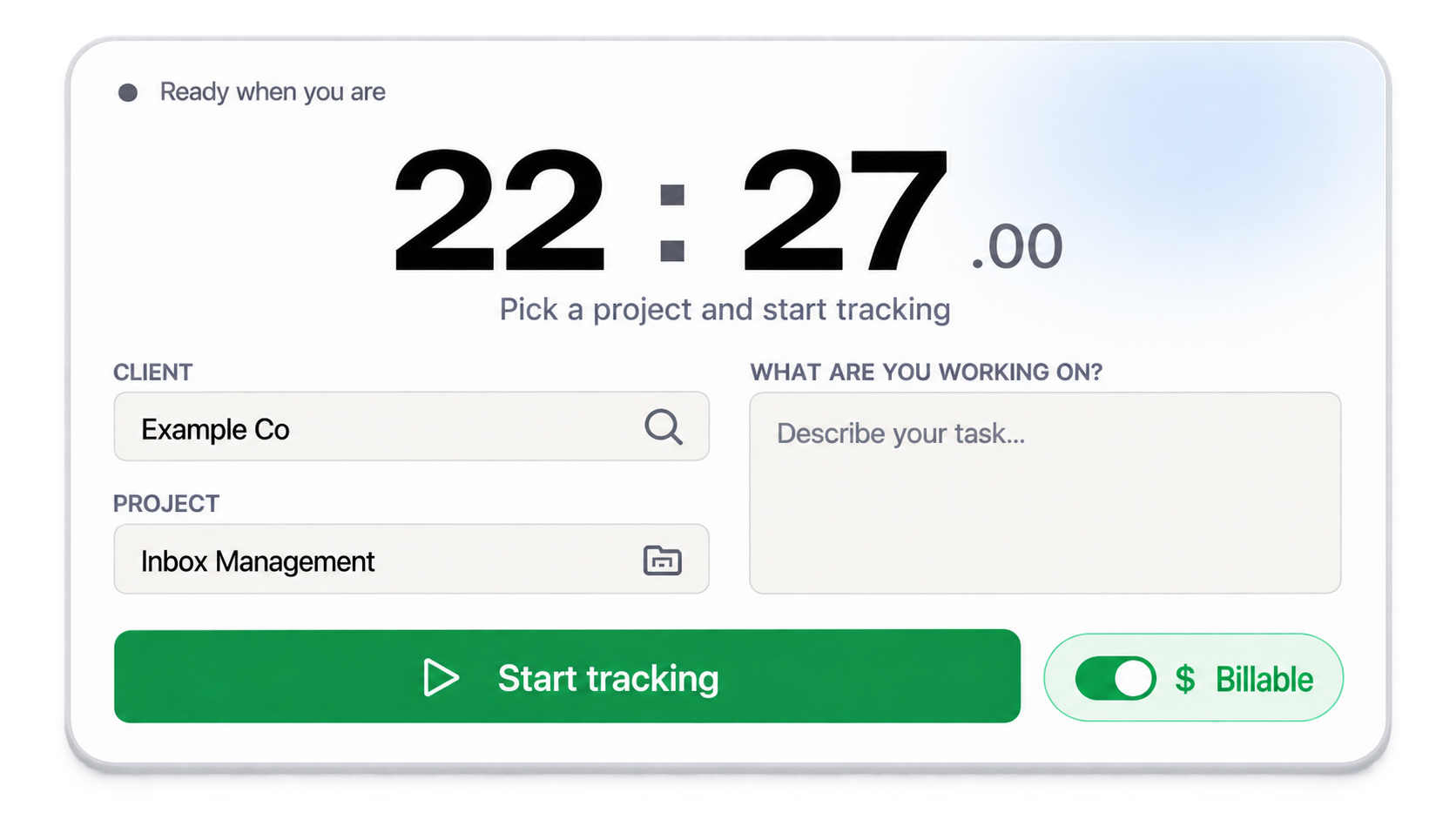
Timerclient, project, task and a billable toggle. Nothing else to fill in.
How it works
Time Tracking in four steps
01
Pick a client and project
Choose who the work is for before you start the clock.
02
Start the timer
Track live as you work, or pause and resume as needed.
03
Or add time manually
Forgot to start the timer? Add an entry with the exact start and end time.
04
Mark billable or not
Flag each entry as billable or internal, so reporting stays accurate.
Why it matters
What you get with time tracking
Never lose a billable minute
A running timer survives page refreshes and reconnects automatically, so you don't lose tracked time to a dropped connection.
Stay organised across clients
Every entry is filed under the right client and project from the start. No end-of-week sorting required.
Works for live and retrospective tracking
Use the timer in the moment, or backfill entries for work you tracked elsewhere.
FAQ