Feature
See your whole team's billable time in one place
Add team members, assign them to clients and projects, and get a live view of who's tracking time on what, without micromanaging.
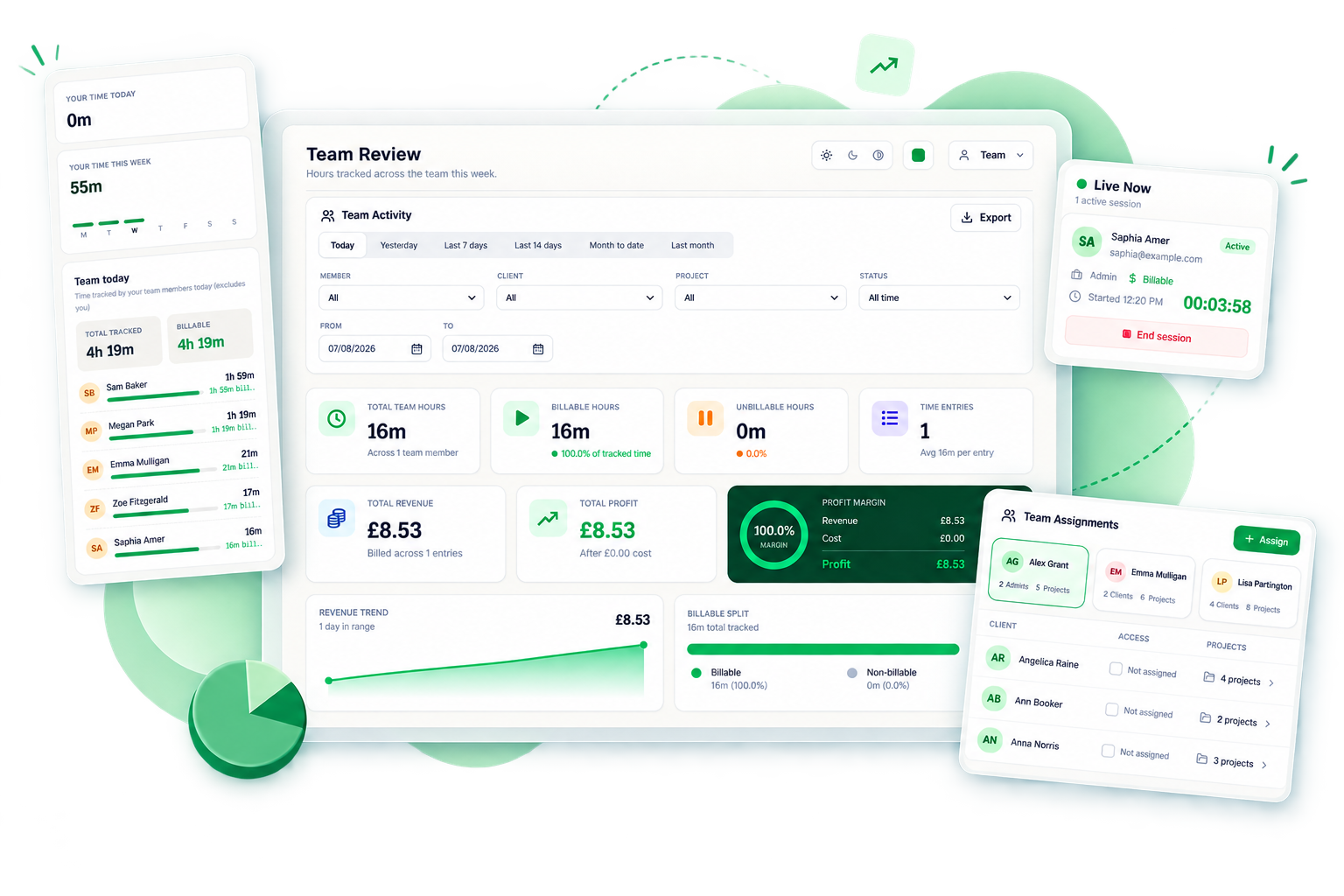
Team overviewhours, revenue and billable share, person by person
How it works
Team Management in four steps
01
Invite your team
Add team members and set their role and permissions.
02
Assign clients and projects
Control which clients and projects each team member can track time against.
03
Monitor live sessions
See every active timer across the organisation in real time.
04
Review performance
Look back at tracked hours by person, client, or project to understand where time is going.
Why it matters
What you get with team management
Full visibility without micromanaging
See where your team's time is going without needing to ask for status updates.
Control access by client
Assign team members only to the clients and projects relevant to them.
Catch stuck timers early
The Live Sessions view flags timers that have been running unusually long, so nothing goes unnoticed.
FAQ