Feature
Timesheets generated automatically from tracked time
No more asking your team to fill in a separate timesheet. Every tracked hour already has a date, client, and project attached.
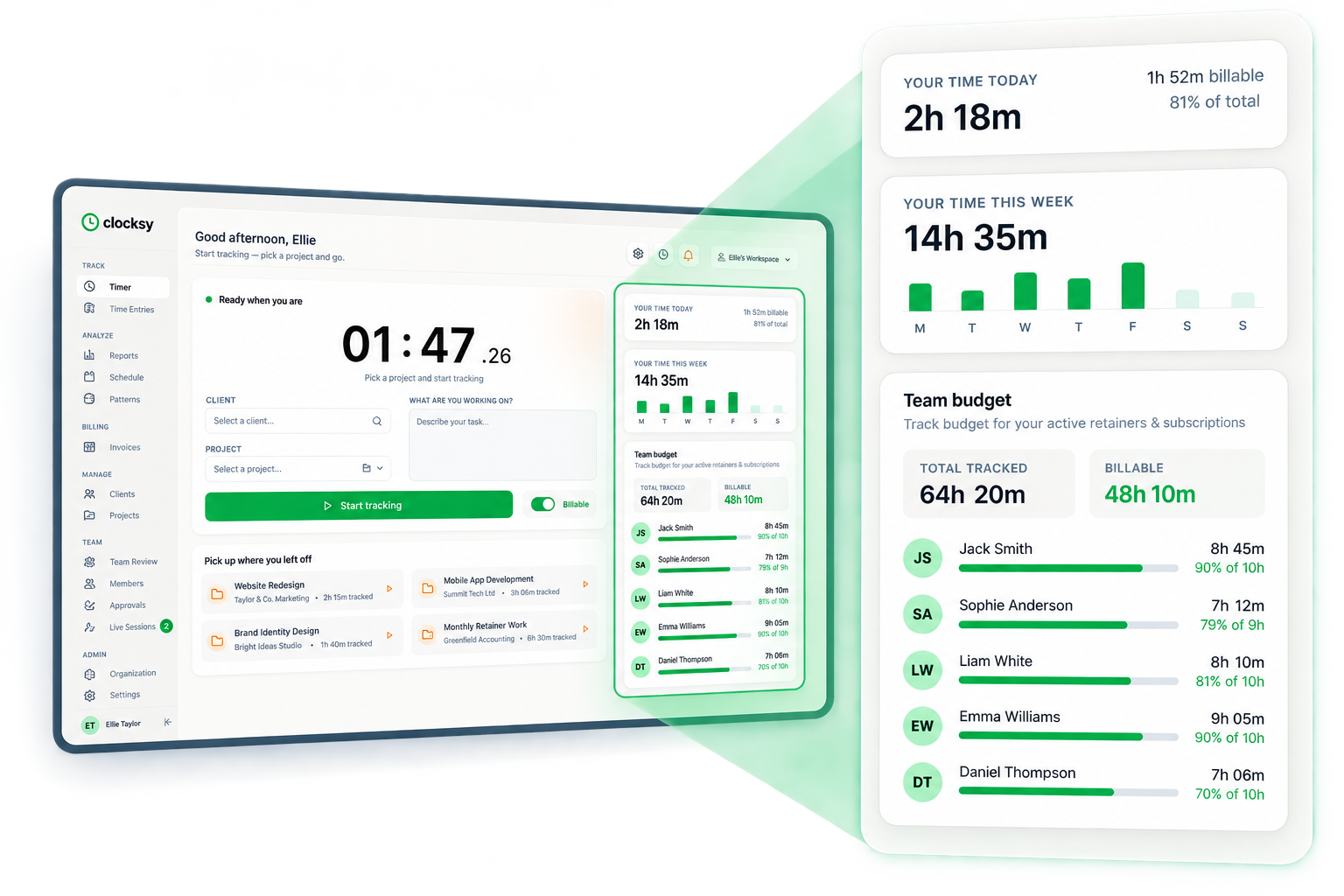
Dashboardhours today and the week so far, ready to export
How it works
Timesheets in four steps
01
Team tracks time as normal
Time entries are logged with the timer or added manually throughout the week.
02
View by person or by date
See a timesheet view broken down by team member, client, or day.
03
Review and adjust
Edit any entry that needs correcting before finalising the period.
04
Export for payroll or billing
Download a clean timesheet for payroll processing or client invoicing.
Why it matters
What you get with timesheets
No separate timesheet to fill in
Timesheets are built automatically from the same time entries used for billing.
Accurate for payroll
See exactly how many hours each team member logged, billable or not.
Easy to audit and correct
Spot missing or unusual entries before they go to payroll or a client invoice.
FAQ